
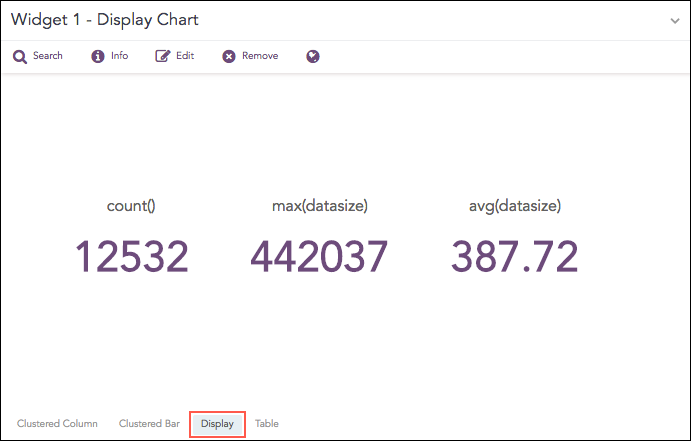
The Display format shows the value of the aggregation parameter in the container.
Display Chart
The following query gives the output shown above.
| chart count(), max(datasize), avg(datasize)
To view the search results in display format, select Display from the drop-down at the top-right corner of the Search Result page.
The Display chart supports three aggregation response types for representation of search results in the visualization. They are:
Response Type |
General Syntax |
|---|---|
| chart aggregation_parameter
|
|
| chart aggregation_parameter by grouping_parameter
|
|
| chart count(), avg(datasize)
|
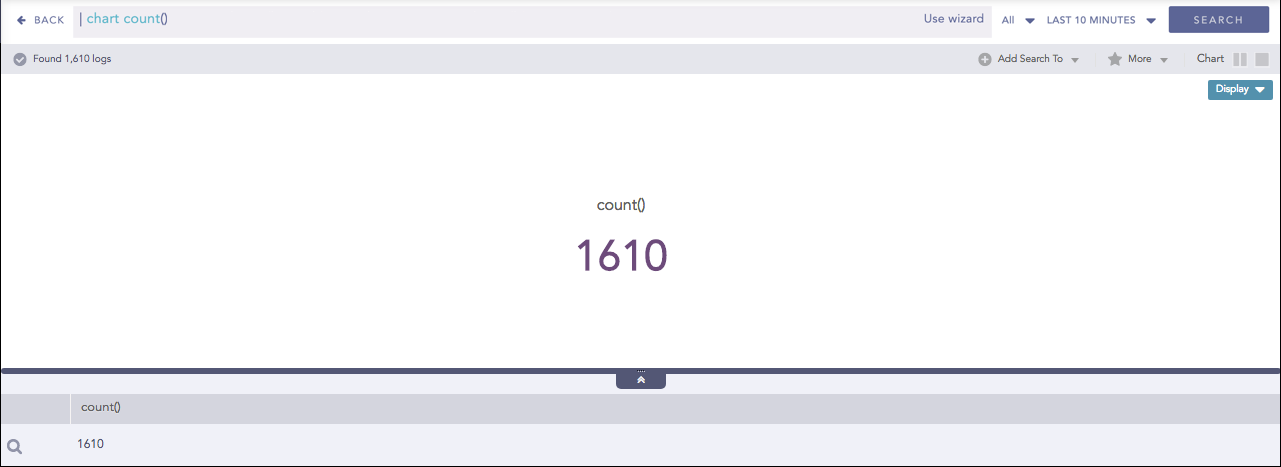
Display format for Single Aggregation without Grouping
To view the search results in display format, select Display from the drop-down on the top-right corner of the Search Result page.
Note
By default, LogPoint renders the display format for all queries of the Single Aggregation without Grouping type.
You can refer to Single Aggregation without Grouping for more details.
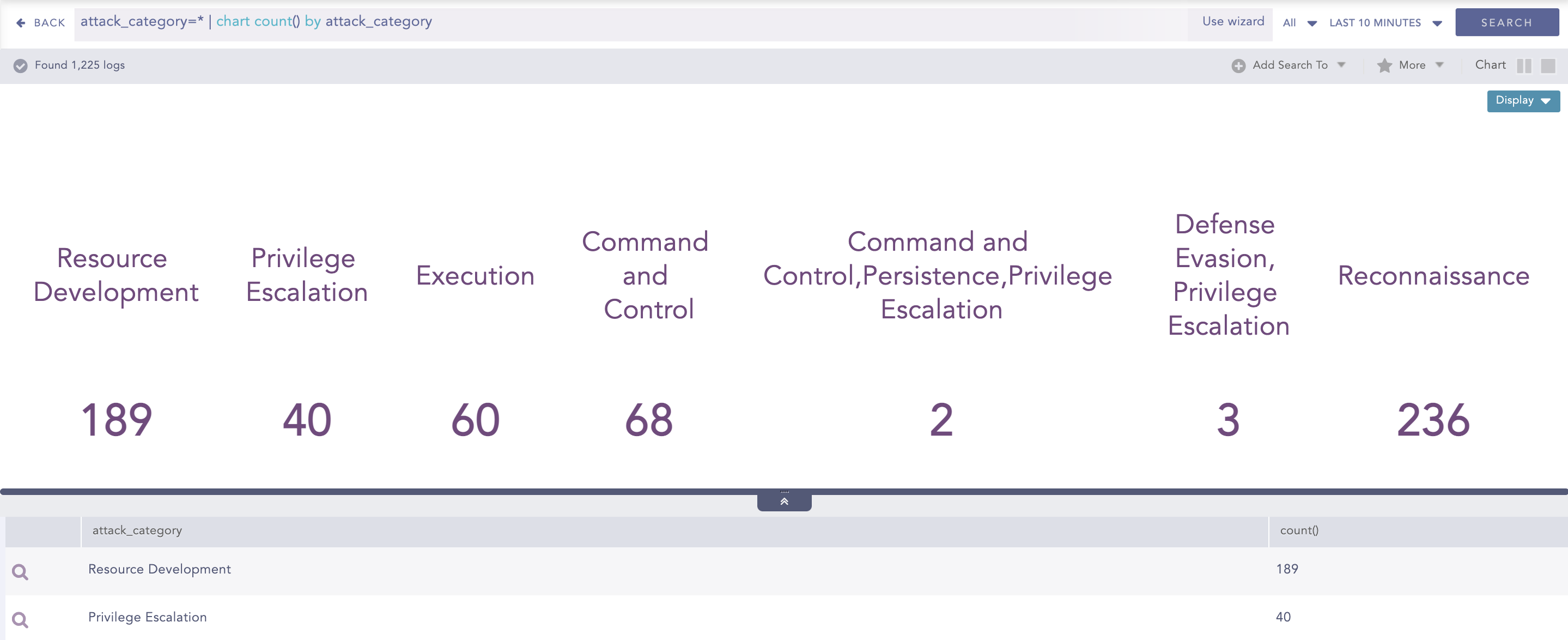
Display format for Single Aggregation with Grouping
To view the search results in display format, select Display from the drop-down on the top-right corner of the Search Result page.
Note
The Display chart is available in Search, Dashboards, and Search Templates.
You can refer to Single Aggregation with Grouping for more details.
For Multiple Aggregation without Grouping response type, the value of the first aggregation parameter is displayed in the container.
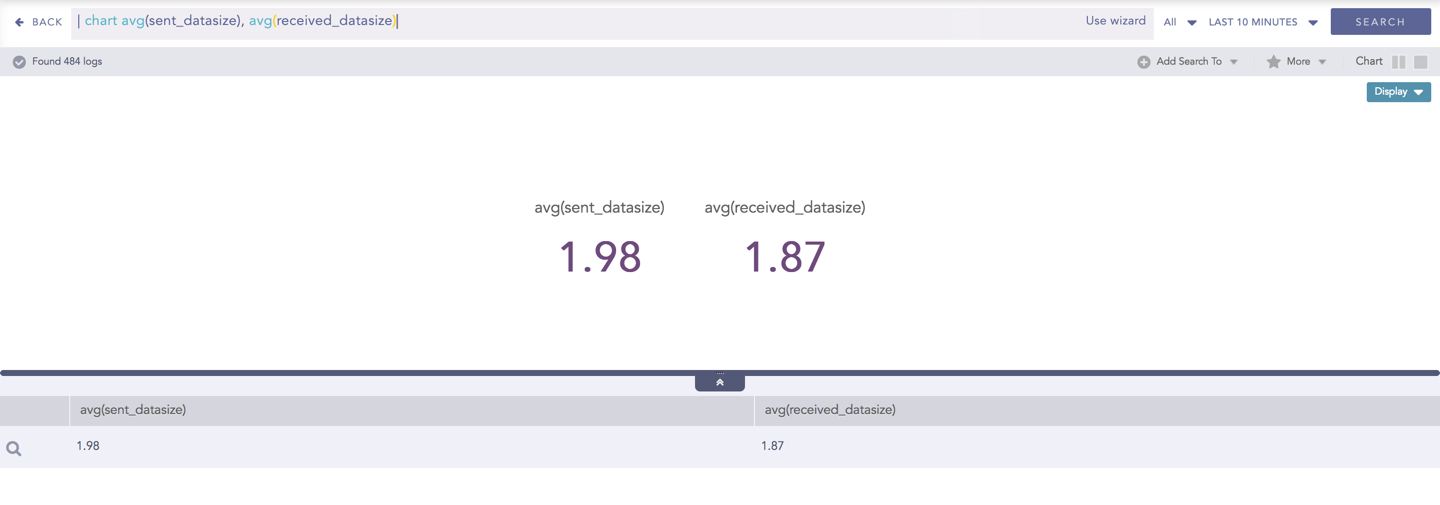
Display format for Multiple Aggregation without Grouping
To view the search results in display format, select Display from the drop-down on the top right corner of the Search result page.
You can refer to Multiple Aggregation without Grouping for more details.
Click the Settings icon at the top-right corner to change the Rendering Parameters.
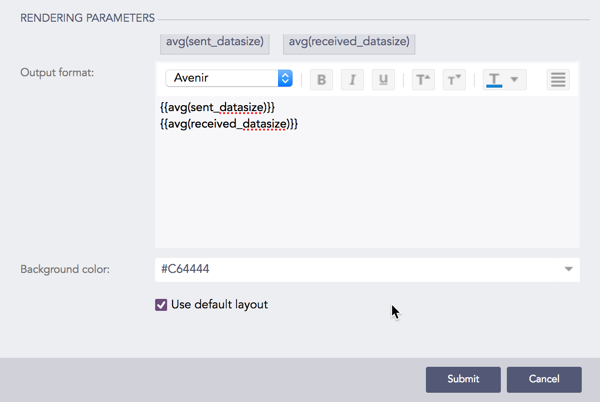
Rendering parameters for Display
You can choose the output format, font and the background color from the rendering parameter section.
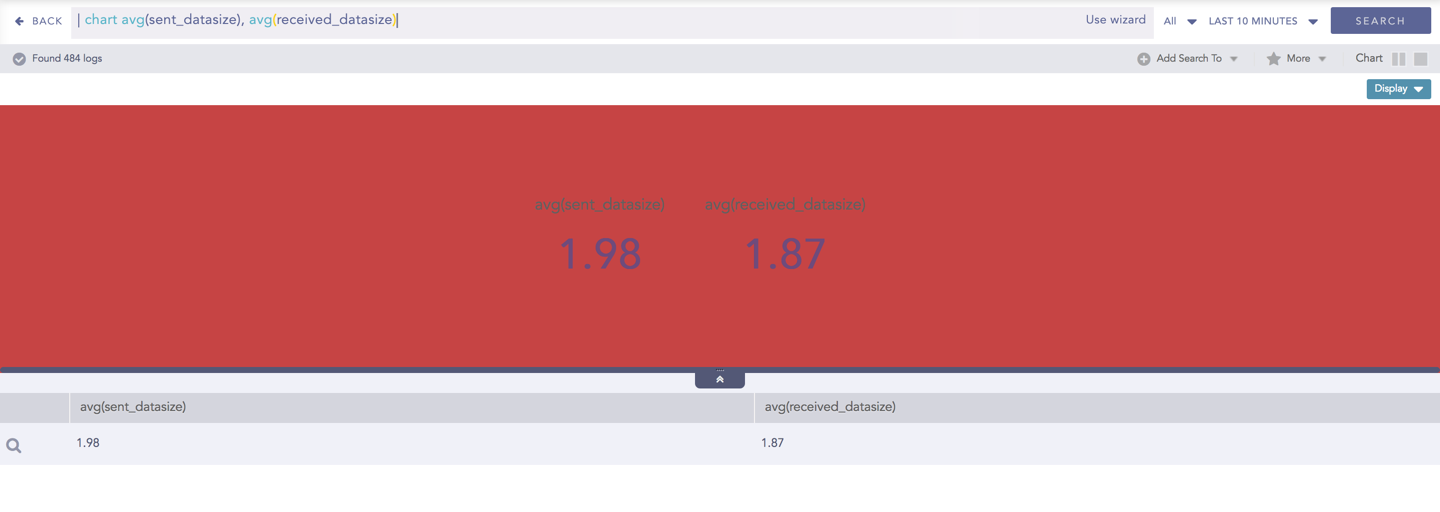
Customize the output of the display by configuring the Output format. In this section, you can choose the fonts and color of the result. Additionally, you can use the display template similar to “jinja” to customize the search result.
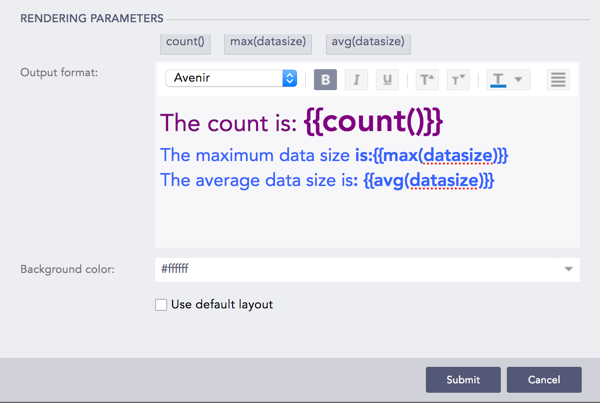
Configured Rendering Parameters
The result of the configuration looks like:
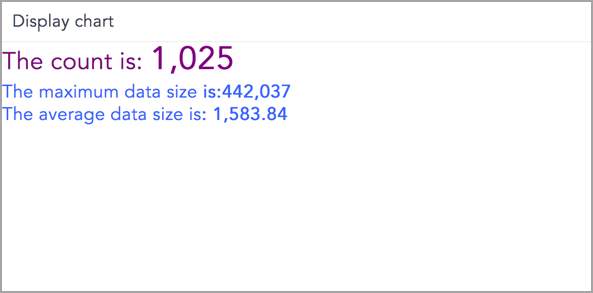
Display Chart
Note
The Output Format section is disabled when you select the default layout.